
The brief
A messaging-automation platform adds Telegram accounts in batches and wanted each new account brought into steady use gradually, by a separate service, while its own system kept running on the same accounts. That last condition was the hard part: two systems sharing one set of sessions must never open the same session at the same time.
How an account warms up
The platform lends an account, and the service works it for up to three weeks:
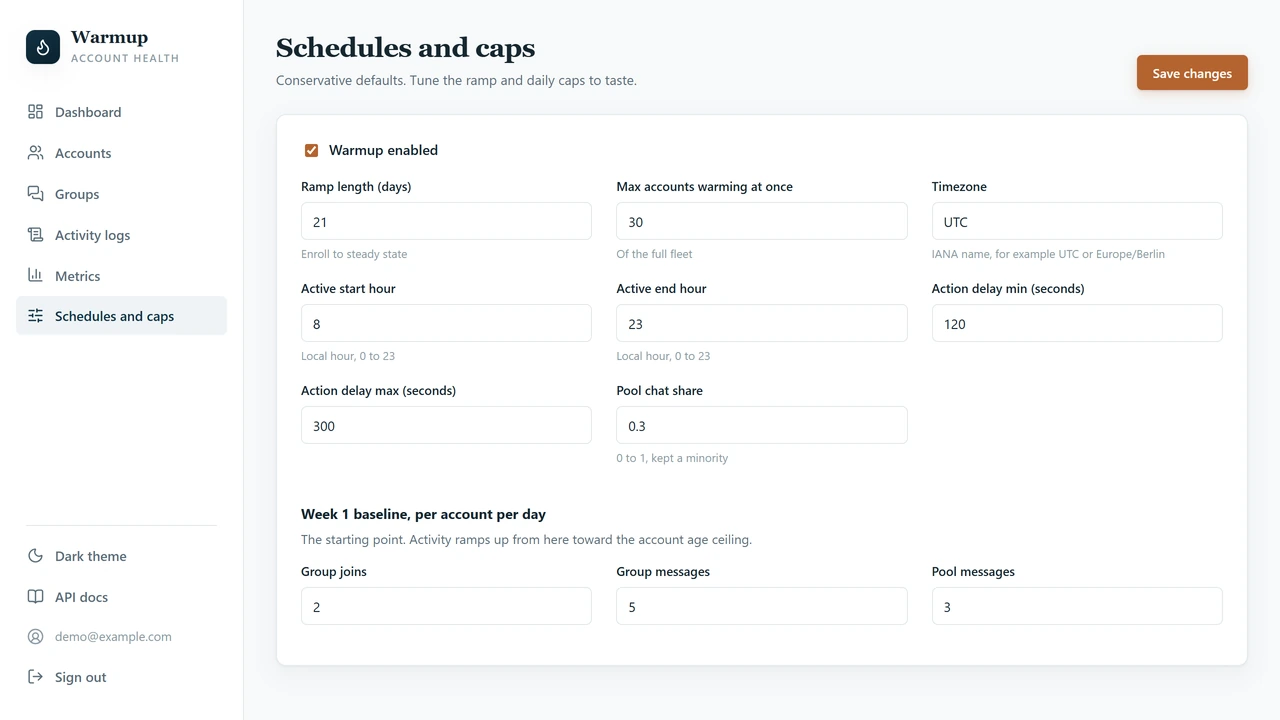
- A 21-day ramp, from a light first week of about two group joins, five group messages and three messages to other accounts in the pool each day, up to a steady level set by the account's age
- Three kinds of action: joining a public group from a curated list, posting one short on-topic line after reading the recent conversation, and messaging another of the platform's own accounts
- Daily caps, an active window, and a pause of two to five minutes between actions
- When the ramp ends, or the platform's lending window closes, the account goes back with a callback
One connection per session
Telegram can revoke a session it sees connected twice at once, so the rule had to hold across two separate systems, not just inside one:
- Before connecting, each system claims a shared lease on the account and keeps it for as long as it is working the account
- The only place a client is built refuses to connect without that lease, so no tool or script can skip it
- Every action is short: connect, do one thing, disconnect
- A guard allows one running copy of the service per server
One limit, shared
A flood limit on either system pauses the account for both, so the two never spend Telegram's limits twice. A health check skips any account the platform marks as banned, frozen or restricted.
Messages that stay clean
Every line is checked before it is sent. Links, invites and sales language are rejected outright, so nothing in a warm-up pitches anything or points anywhere. Gemini on Vertex AI writes the lines when it is switched on; otherwise a curated phrase pool does, matched to the account's language.
Running it
The operator runs everything from one web app:
- A live dashboard of what every account is doing, with an activity feed
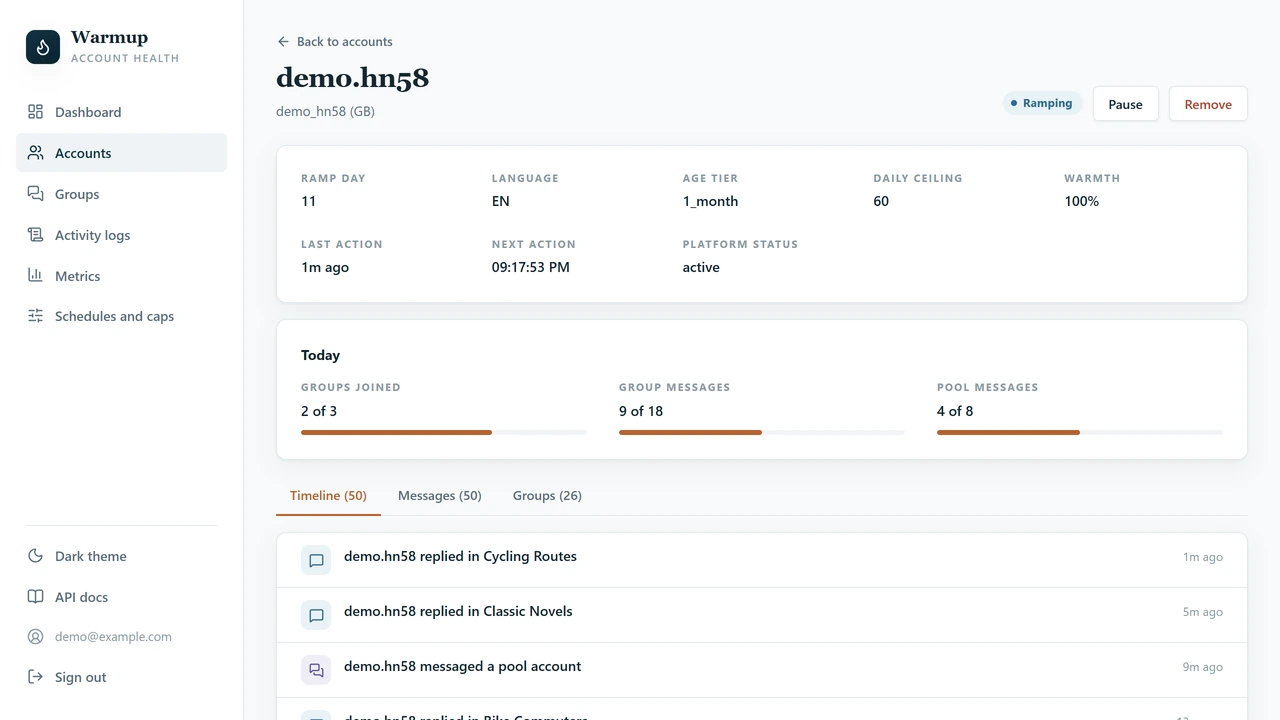
- Account detail: today's progress against target, the ramp day and the next scheduled action
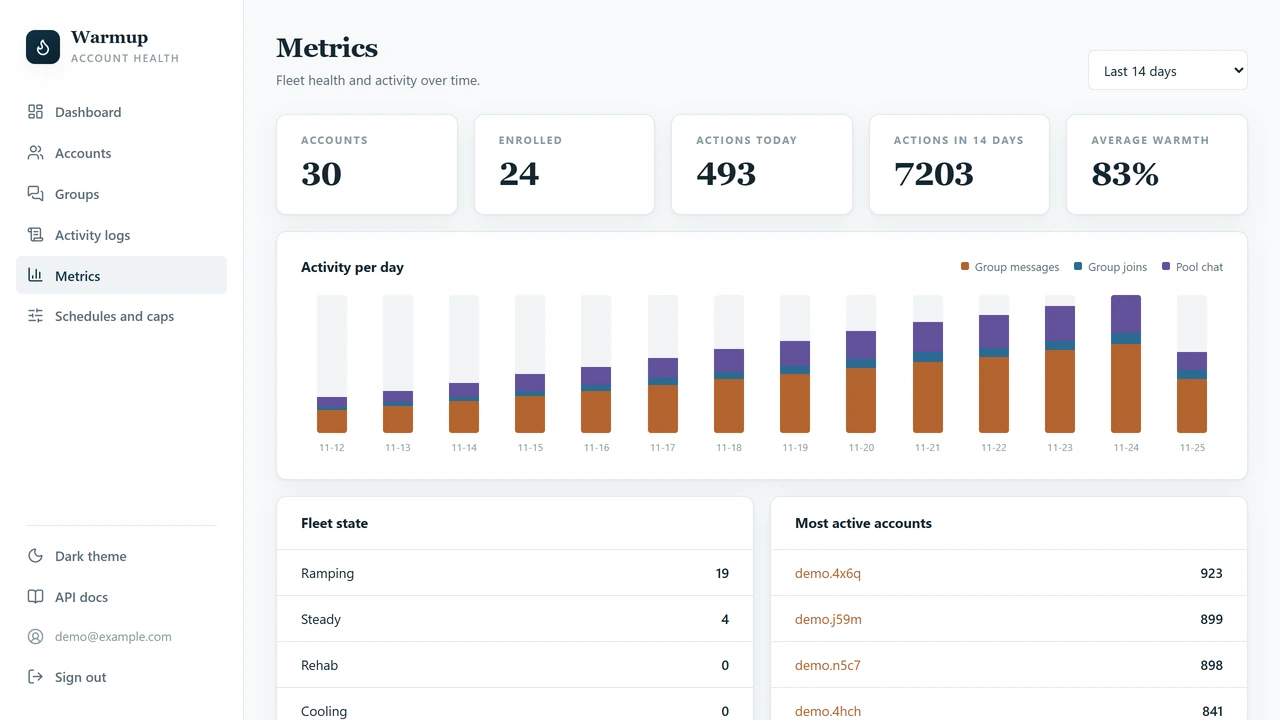
- The group catalogue, searchable logs, metrics, and the schedules and caps, all editable
- A simulate mode that runs the whole engine without touching Telegram, used for demos, for testing and for the recording on this page
- A go or no-go preflight check before live use, and API documentation generated from the live routes